
Most businesses don’t actually know their customer journey. They think they do. They’ve drawn the diagram, done the workshop, and stuck the Post-its on the wall. But the map they built was based on what they assumed customers experience — not what customers actually do.
That gap is expensive. When you don’t know where customers drop off, you keep patching the wrong leaks.
AI changes this. Not by replacing your judgment, but by giving you real data to work with — fast. In this guide, we’ll walk through exactly how to build an AI-powered customer journey map: what tools to use, where AI adds the most value, and how Singapore marketers and SMEs are already using this to win more customers.
What Is a Customer Journey Map (and Why Most of Them Don’t Work)
A customer journey map is a visual timeline of every interaction a person has with your business — from the moment they first hear about you to long after they’ve made a purchase.
Done well, it answers questions like:
- Where do people find out about us?
- What makes them hesitate before buying?
- What happens after they pay — do they come back?
The problem is that most journey maps are built in a meeting room by people who haven’t spoken to a customer in months. They’re based on gut feel, legacy assumptions, and a vague memory of what the marketing team pitched at the last QBR.
AI-assisted journey mapping fixes this by pulling in actual customer data — from your CRM, social channels, support tickets, website analytics, and more — and surfacing the patterns that humans miss or dismiss.
The result is a map that reflects what’s actually happening, not what you wish were happening.
Why AI-Powered Journey Mapping Is No Longer Optional in 2026
Singapore’s push toward AI adoption in business isn’t just government rhetoric. The 2025 IMDA SMEs Go Digital report found that businesses that integrated AI into their customer-facing operations saw significantly higher retention and conversion rates compared to those relying on manual processes alone.
The economics are straightforward. A skilled marketer can review 100 customer touchpoints in a day. An AI tool can process 100,000 — and flag the ones worth your attention.
For SMEs especially, this matters. You don’t have a dedicated data science team. AI tools make enterprise-level customer insight accessible without the headcount or the six-figure analytics budget.
There’s also a timing dimension. Singapore’s Budget 2026 AI initiatives included provisions for businesses to access AI tools and SkillsFuture-funded training that covers exactly this kind of applied AI work. If you haven’t explored what’s subsidised, you may be leaving money on the table.
The 5 Stages of a Customer Journey (and Where AI Plugs In)
Before we get into the how, a quick orientation. Most customer journeys — whether you’re a B2B SaaS company, a hospitality brand, or a Singapore retail SME — move through five core stages:
1. Awareness — The customer first learns you exist
2. Consideration — They start comparing options
3. Decision — They choose (or don’t)
4. Retention — They come back (or don’t)
5. Advocacy — They tell others
AI tools are useful at every stage, but they’re transformative at three specific points: data collection (before you build), pattern recognition (while you build), and personalisation testing (after you build).
Here’s how that plays out in practice.
Step 1: Define Your Customer Segments Before You Touch Any Tool
This is the part most people skip, and it’s why their journey maps end up describing everyone and no one.
Before you open a spreadsheet or an AI platform, answer these questions:
- Who are your top three customer types? Don’t list demographics — list jobs-to-be-done. A 45-year-old HR manager in Jurong and a 45-year-old HR manager in Orchard may have entirely different buying triggers.
- Which segment is most valuable? Highest LTV, highest margins, or most likely to refer? Start there.
- Do you have enough data on this segment? AI needs something to work with. If you have fewer than 50 data points on a segment, you may need to run primary research first.
A practical shortcut: pull your last 12 months of closed deals from your CRM (GoHighLevel users — this is a 10-minute export), filter by segment, and look for the three common denominators. What did they search for? What objection did they raise? How long did they take to decide?
That’s your starting data set.
Step 2: Collect Multi-Source Data (This Is Where AI Earns Its Keep)
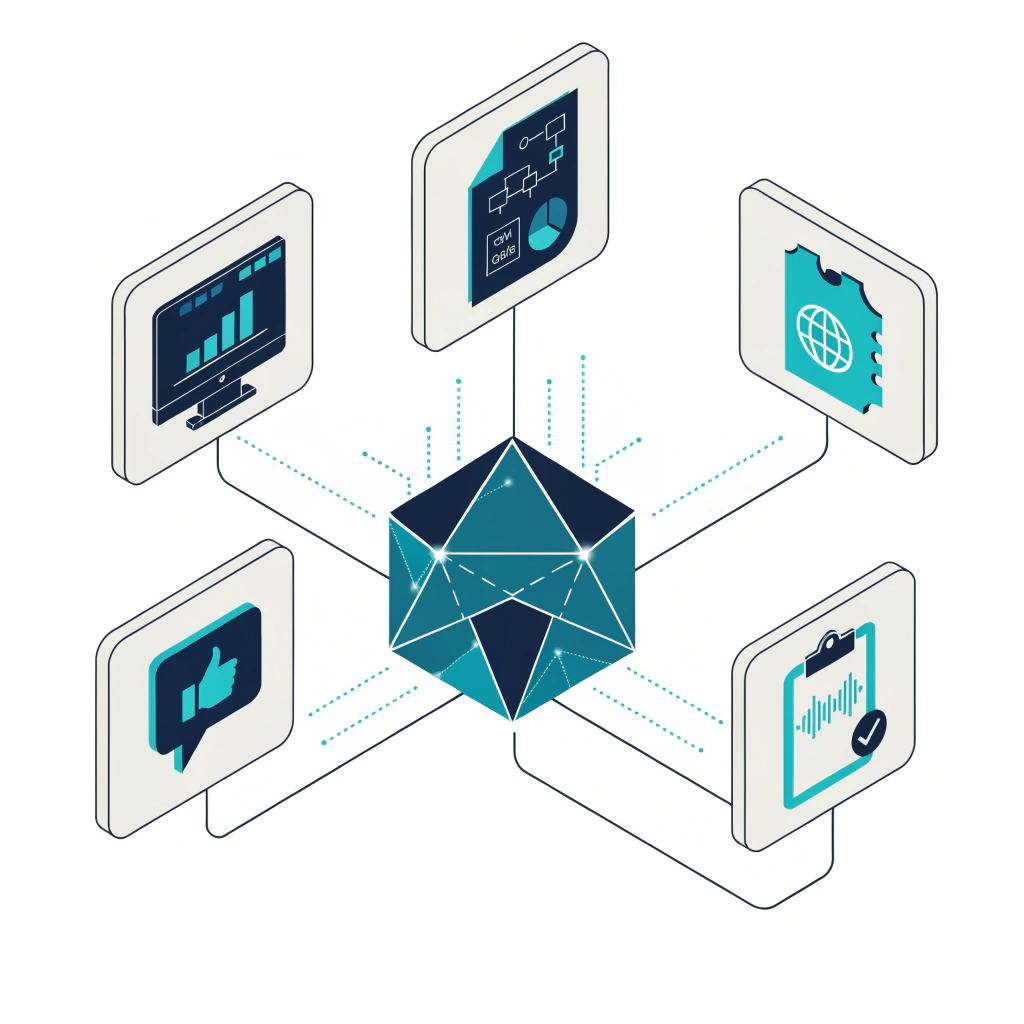
A traditional journey map draws from one or two sources — maybe a customer survey and some website analytics. An AI-powered map draws from everything simultaneously and looks for connections across sources that a human would never spot manually.
Here are the data sources that matter most:
Website behaviour data — Which pages do your best customers visit before converting? Which pages do churned customers visit before they go quiet? Tools like Google Analytics 4 can surface these patterns, and AI summary features within GA4 now let you ask questions in plain English.
CRM interaction data — Every email opened, link clicked, and call logged tells a story. If you’re on GoHighLevel, you can export pipeline stage history and overlay it with campaign touchpoints to see exactly what preceded each conversion.
Customer support tickets — Where do people get stuck? What questions do they ask right before they cancel? Your support data is a goldmine for mapping the retention and decision stages. Tools like Intercom and Freshdesk have built-in AI that clusters tickets by theme automatically.
Social listening data — What are people saying about your category on LinkedIn, Reddit, or local Singapore forums? This is particularly useful for mapping the awareness and consideration stages, where people are searching for answers, not vendors.
Direct customer interviews — AI can’t replace this. Talk to five to eight customers who represent your target segment. Record the calls (with permission), then use a transcription and AI summarisation tool like Otter.ai or Fireflies to extract themes. You’ll find patterns in 30 minutes that might take weeks to surface through survey analysis alone.
The goal of this step isn’t to collect everything — it’s to collect enough across enough stages that you’re not guessing at the gaps.
Step 3: Use AI to Identify Patterns and Drop-Off Points
Now the AI does the heavy lifting.
With your data consolidated, the task is to find where customers move forward, where they stall, and where they leave. This is what most marketers call “funnel analysis,” but a journey map goes deeper — it also captures why people move, not just how many.
For quantitative pattern analysis, tools like Mixpanel and Heap let you run flow analyses that show the most common paths customers take through your product or website. Their AI features can automatically surface anomalies: “Users who visit this page are 3x more likely to convert.” That’s a signal worth building your map around.
For qualitative theme extraction, once you’ve aggregated customer interview transcripts and support tickets, run them through a tool like Claude or ChatGPT with a structured prompt. Something like:
“Here are transcripts from 10 customer interviews. Identify the top five recurring pain points customers mention at each stage of their buying journey: Awareness, Consideration, Decision, Retention, Advocacy.”
The output won’t be perfect — you’ll need to apply your own judgment — but it gives you a structured starting point in minutes instead of hours.
For CRM data, look for time-in-stage patterns. If deals regularly stall at a specific pipeline stage, that’s a map signal. If customers who received a particular email sequence converted at double the rate, that touchpoint belongs prominently on your map.
One honest caveat: AI is good at finding patterns in the data you give it. It can’t tell you about the touchpoints that aren’t tracked. If half your leads come through WhatsApp referrals and you’re not logging those, your map will have a structural blind spot no tool can fix.
Step 4: Build the Map — and Make It Actionable
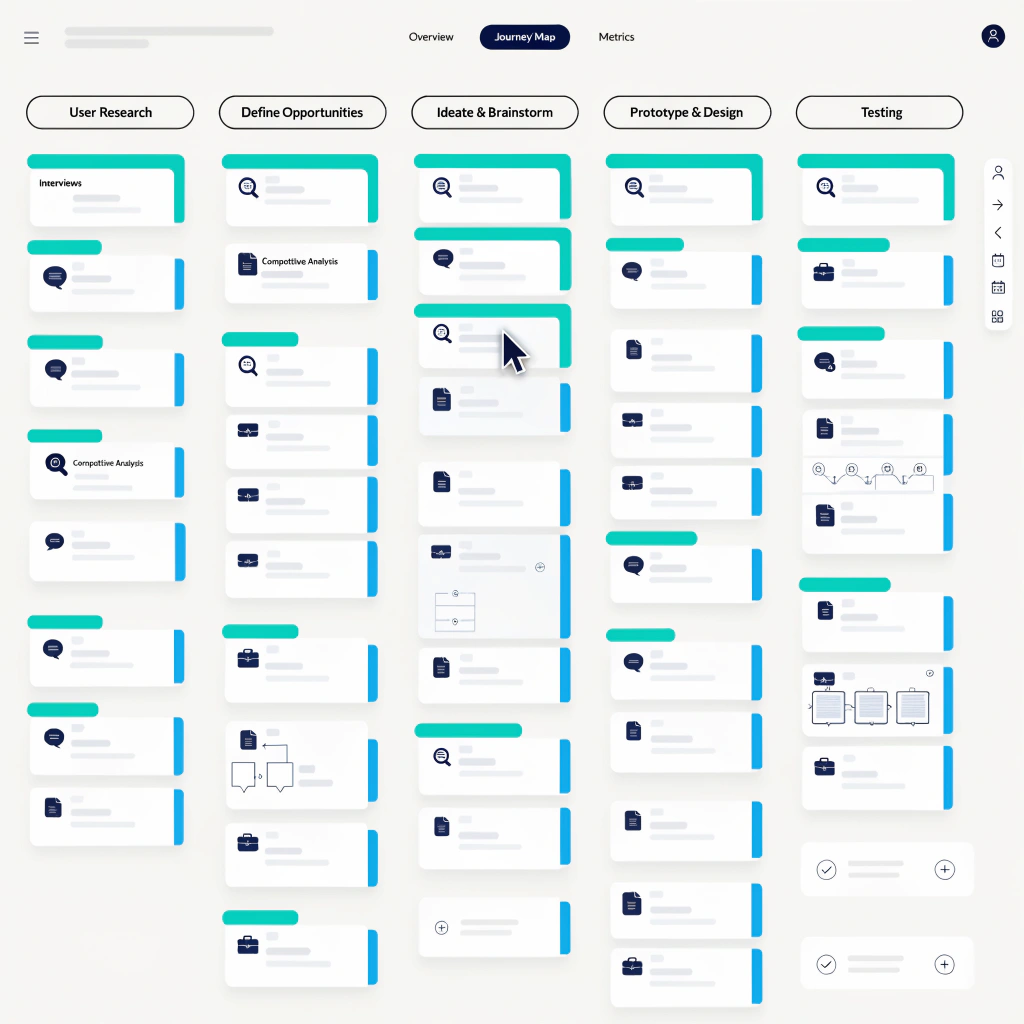
Here’s where most journey maps die. They get built beautifully in Miro or Figma, presented at an all-hands, admired, and then never touched again.
An AI-powered journey map should be a working document, not a deliverable.
Use these elements for each stage of your map:
Touchpoints — Every interaction the customer has with your brand. Be specific: “sees Instagram ad” is vague. “Sees retargeting ad for the AI Productivity course after visiting the blog” is a touchpoint.
Customer emotion — What is the customer feeling at this stage? This comes from your interview data. People in the Consideration stage often feel overwhelmed and sceptical. People in the Decision stage often feel cautious and want reassurance. Map the emotion, then design the touchpoint accordingly.
AI insight — What does your data say about this stage? Include the specific pattern, metric, or theme that AI surfaced. “Support tickets mentioning onboarding confusion spike in week two post-purchase” is an AI insight that belongs on the Retention stage of your map.
Gap or opportunity — What’s broken? What could be better? This is where your map becomes a to-do list.
Owner — Who is responsible for improving this stage? A map without owners doesn’t change anything.
For Singapore SMEs without a dedicated CX team, a lightweight but effective format is a simple table: Stage / Touchpoints / Customer Feeling / Data Insight / Priority Fix / Owner. You can build this in Notion, Google Sheets, or even GHL’s pipeline view.
Step 5: Test, Personalise, and Update
A journey map built in April 2026 will be partially wrong by October 2026. Markets shift. Customer expectations change. New channels emerge.
The advantage of an AI-powered map is that it’s easier to keep current. Set a quarterly review cadence. Re-run your pattern analysis. Update the emotion data if you’ve done new interviews. Flag which touchpoints have improved and which are still underperforming.
Personalisation is where AI-powered journey mapping unlocks its real potential for conversion. Once you know the journey patterns for each segment, you can trigger personalised content at the right stage. A lead who’s visited your course registration page twice but hasn’t enrolled isn’t in the Awareness stage — they’re in the Decision stage. They don’t need more information. They need a specific nudge: a testimonial, an FAQ about subsidies, or a WhatsApp message from a human.
SkillsFuture-funded AI courses now include practical modules on exactly this kind of applied AI for marketing — not theory, but hands-on implementation with tools you’ll actually use at work.
AI Tools Worth Using for Customer Journey Mapping
You don’t need all of these. Pick one or two that fit where your data already lives.
| Tool | Best for | Singapore pricing note |
| Google Analytics | Website behaviour, funnel analysis | Free |
| Mixpanel | User flow and drop-off analysis | Free tier available |
| Otter.ai | Interview transcription + summary | Free tier; paid from ~USD9/month |
| Fireflies.ai | Meeting notes, call analysis | Free tier available |
| Hotjar | Heatmaps, session recordings, surveys | From ~USD32/month |
| Claude / ChatGPT | Qualitative theme extraction, prompt-based analysis | Free and paid tiers |
| Miro | Visualising and collaborating on the map | Free tier; paid from ~USD8/month |
Note: Several of these tools fall under the Budget 2026 free premium AI tools initiative, which provides eligible Singapore businesses with six months of subsidised AI tool access.
What a Real AI-Powered Journey Mapping Process Looks Like
To make this concrete: a hospitality SME working with a team of three used this approach to map their corporate event enquiry journey. Before AI, they assumed most leads came through Google Search and dropped off because of price.
After running their CRM data and six client interviews through a structured AI analysis, they found something different. Most qualified leads actually arrived via LinkedIn referrals, not search. And they didn’t drop off because of price — they dropped off because nobody followed up within 24 hours of an enquiry. The team was responding in two to three days.
The fix wasn’t a marketing campaign or a price change. It was a WhatsApp automation triggered within an hour of enquiry submission. Conversion rate on enquiries went up significantly within 60 days.
That’s what a data-grounded journey map makes possible. Not a strategic overhaul — a precise fix, applied at the right stage.
Common Mistakes to Avoid
Building one map for all customers. If you serve hospitality managers and HR directors, their journeys are different. Map them separately.
Treating the map as a one-time project. A journey map that isn’t reviewed quarterly is a historical document, not a strategy tool.
Over-indexing on digital touchpoints. In Singapore’s relationship-driven business culture, referrals, WhatsApp conversations, and face-to-face events are often the highest-converting touchpoints — and they’re the hardest to track automatically.
Using AI output without applying judgment. AI surfaces patterns. It doesn’t tell you whether a pattern matters or what to do about it. That part is still your job.
FAQ
What is an AI-powered customer journey map?
An AI-powered customer journey map uses machine learning and data analysis tools to map how real customers interact with your business — from first awareness to post-purchase advocacy. Unlike traditional journey maps built on assumptions, AI-assisted maps draw on CRM data, website behaviour, support tickets, and customer interviews to surface actual patterns in how people buy.
How long does it take to build an AI-powered customer journey map?
For a focused map covering one customer segment, expect to spend two to three days from data collection to first draft. AI speeds up the pattern analysis phase significantly. The most time-intensive part is usually conducting and reviewing customer interviews, which can’t be fully automated.
Do I need technical skills to use AI for journey mapping?
No. Most of the tools referenced here — GA4, Mixpanel, Otter.ai, Claude — are designed for non-technical users. The main skill required is asking the right questions of your data and knowing which patterns are worth acting on.
Can small businesses in Singapore afford AI journey mapping tools?
Yes. Many of the core tools have free tiers that are sufficient for SMEs. Singapore’s Budget 2026 AI initiatives also include subsidies for AI tool access and training through SkillsFuture, which can reduce or eliminate costs for eligible businesses.
How is AI journey mapping different from traditional customer research?
Traditional research relies on surveys and interviews, which are valuable but slow and limited in scale. AI-powered mapping combines that qualitative insight with large-scale quantitative data from your existing systems — so you can validate what customers say against what they actually do.
What’s the best first step if I’ve never mapped my customer journey before?
Start with your CRM data and three to five customer interviews. Export your last 12 months of deals, identify your most valuable customer segment, and talk to five people in that segment about how they found you, what nearly stopped them from buying, and what they wish they’d known earlier. That data — even without advanced AI tools — will surface more useful insight than any map built in a conference room.
Build a Smarter Customer Journey — Starting This Week
If you’re in marketing or running a Singapore SME, you already have most of the data you need. The gap is knowing how to read it and where AI fits into the process.
QD Academy’s Developing an Effective Customer Journey Map using AI and Automation course (22–24 Apr) teaches exactly this — combining AI tools with a proven framework for mapping, analysing, and optimising your customer journey. SkillsFuture credits can be used, and subsidies of up to 90% are available for eligible Singaporeans.
👉 Reserve your seat or find out more via WhatsApp: +65 8847 8417